Models
Banana Video Prompt Generator
Turn rough ideas, reference images, and half-written briefs into clear prompts for AI image and video generation.
Prompt Generator
image
image to use as context for prompt generation
drag and drop or click to upload your image
supported format: jpg, png, each file max 10MB
text
text to expand or use as context for generation
style
style or tone to apply to the generated prompt
mode
the aim of the generation, either for image or video generation
Generated Prompt
generation takes 1~ min. Please don't close this tab while working.
Features
Prompt Tools Built for Real Creative Work
Use the Banana Video Prompt Generator to shape stronger prompts without overthinking every detail
Intelligent Context Analysis
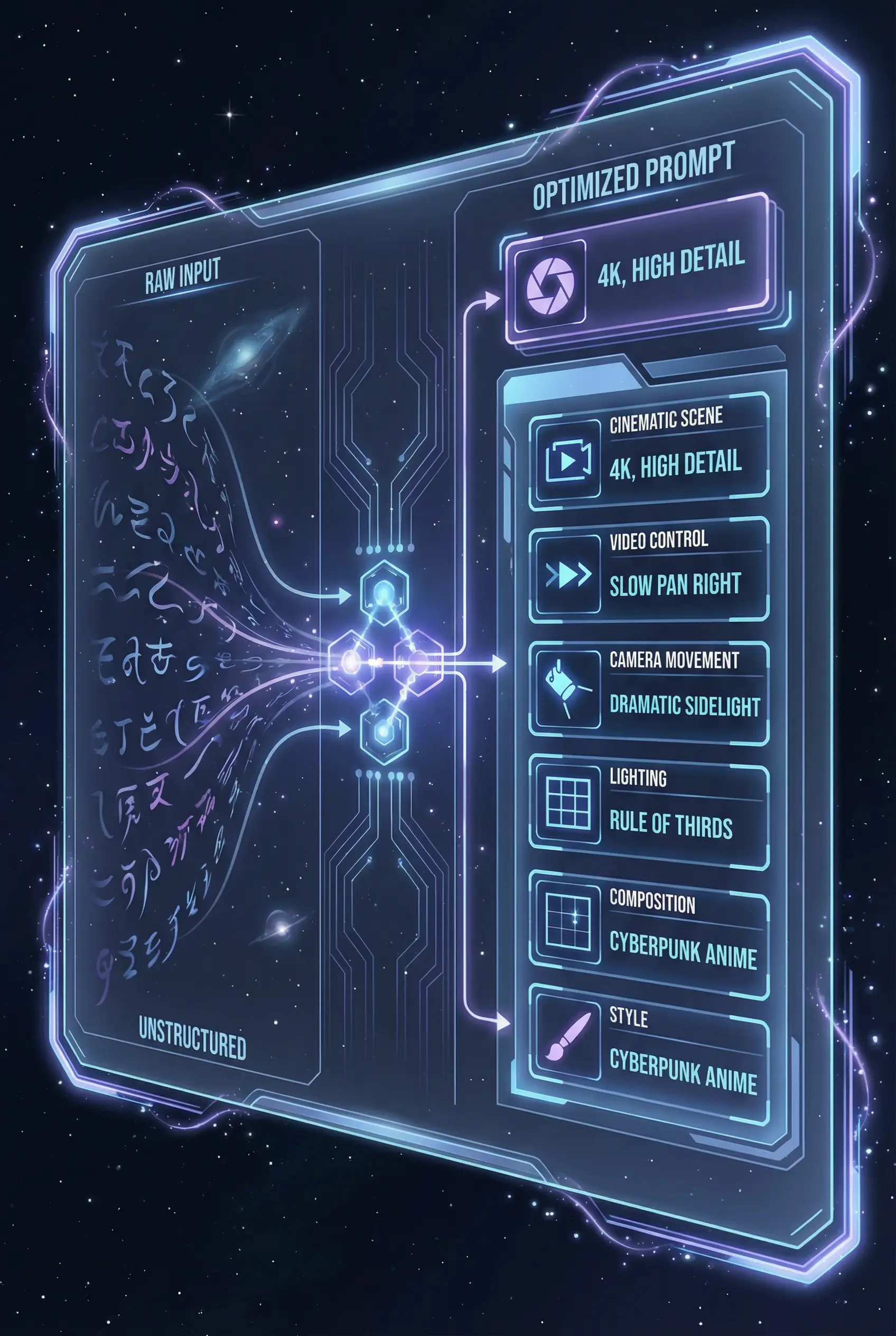
The tool reads your description and visual references together, then identifies the subject, mood, composition, style cues, and missing details needed for a stronger generation prompt.
6 Professional Style Presets
Choose Default, Artistic, Photographic, Technical, Anime, or Realistic to steer tone and detail. Each preset reshapes the prompt around a specific visual language.
Dual Input Support
Start with a sentence, upload a reference, or combine both. This makes it useful for blank-page ideation, reference-based edits, and campaigns that need a consistent visual direction.
Image & Video Mode Generation
Image mode sharpens composition, lighting, materials, and scene detail. Video mode adds motion, camera language, pacing, and temporal continuity so the prompt fits moving visuals.
Cleaner Prompts in About a Minute
Skip the slow back-and-forth of manual prompt polishing. Generate a clear, detailed draft quickly, then copy it, edit it, or run another variation while the idea is still fresh.
Affordable Credit Pricing
Each generation costs 1 credit, so you can test different styles, compare image and video directions, and refine prompt language without turning experimentation into a budget decision.
Guided timeline
How the Banana Video Prompt Generator Works
Three steps from loose idea to usable prompt
Provide Your Input
Enter a short brief, upload a reference image, or use both. Then choose the style preset and whether you are preparing for image generation or video generation.
Let the AI Structure the Prompt
The generator extracts the core subject, setting, visual details, style direction, and format needs, then turns them into a more complete prompt for your selected mode.
Copy & Use Your Prompt
Review the result, make any final edits, and copy it into your preferred AI image or video tool. Save strong prompts as reusable starting points for future work.
Provide Your Input
Enter a short brief, upload a reference image, or use both. Then choose the style preset and whether you are preparing for image generation or video generation.
Let the AI Structure the Prompt
The generator extracts the core subject, setting, visual details, style direction, and format needs, then turns them into a more complete prompt for your selected mode.
Copy & Use Your Prompt
Review the result, make any final edits, and copy it into your preferred AI image or video tool. Save strong prompts as reusable starting points for future work.
Real production work
Who Uses the Banana Video Prompt Generator
Built for teams and solo creators who need better prompts without slowing down production
Content Creators & Influencers
Turn content ideas into prompts for thumbnails, short-form visuals, profile assets, and campaign concepts that feel more intentional and easier to repeat.
Digital Marketers & Agencies
Build campaign prompts that reflect the audience, offer, season, and brand constraints. Generate variations for ad testing without rewriting from scratch each time.
Designers & Digital Artists
Convert mood boards, rough notes, and visual references into prompt language that captures composition, material, lighting, and aesthetic direction.
Game Developers & Studios
Create prompt drafts for environments, characters, props, UI ideas, and cinematic beats. Technical and artistic presets help keep outputs aligned with the production need.
User testimonials
Loved by Creators Worldwide
How creators use the Banana Video Prompt Generator to move faster from idea to output
Sarah Chen
Content Creator & YouTuber
"I can start with a loose idea and get a usable prompt in about a minute. It saves the part of the workflow where I used to stare at a blank prompt box."
Marcus Rodriguez
Digital Marketing Manager
"It gives our team cleaner first drafts for campaign visuals. We can test more angles without rewriting every prompt from scratch."
Emily Tanaka
UI/UX Designer
"The presets are practical. I can push a concept toward photographic, technical, or artistic language without rebuilding the whole prompt."
David Park
Game Developer
"For environments and concept art, it gives us a structured prompt we can hand to the next tool immediately. The technical preset is especially useful."
Lisa Andersson
Social Media Manager
"It helps me keep recurring social content on style. I can create variations quickly while still keeping the same brand feel."
Ahmed Hassan
Indie Filmmaker
"Video mode gives me better camera and motion language for storyboards. It turns scene notes into something a video model can actually use."
Banana Video Prompt Generator FAQ