Models
Nano Banana
Create, edit, and blend images in seconds with the Nano Banana model, keeping characters recognizable and visual details consistent across every iteration.
Try Nanobanana Now
Try these prompts to see what NanoBanana can create from text
Image Requirements:
Output Format
Image Size / Aspect Ratio
Sign Up To Get Free Credits!
Nanobanana Result
Image generation takes ~1 minutes. Please don't close this tab while generating.
Features
Nano Banana Image Editing Features Built for Faster Output
Multi-Image Fusion
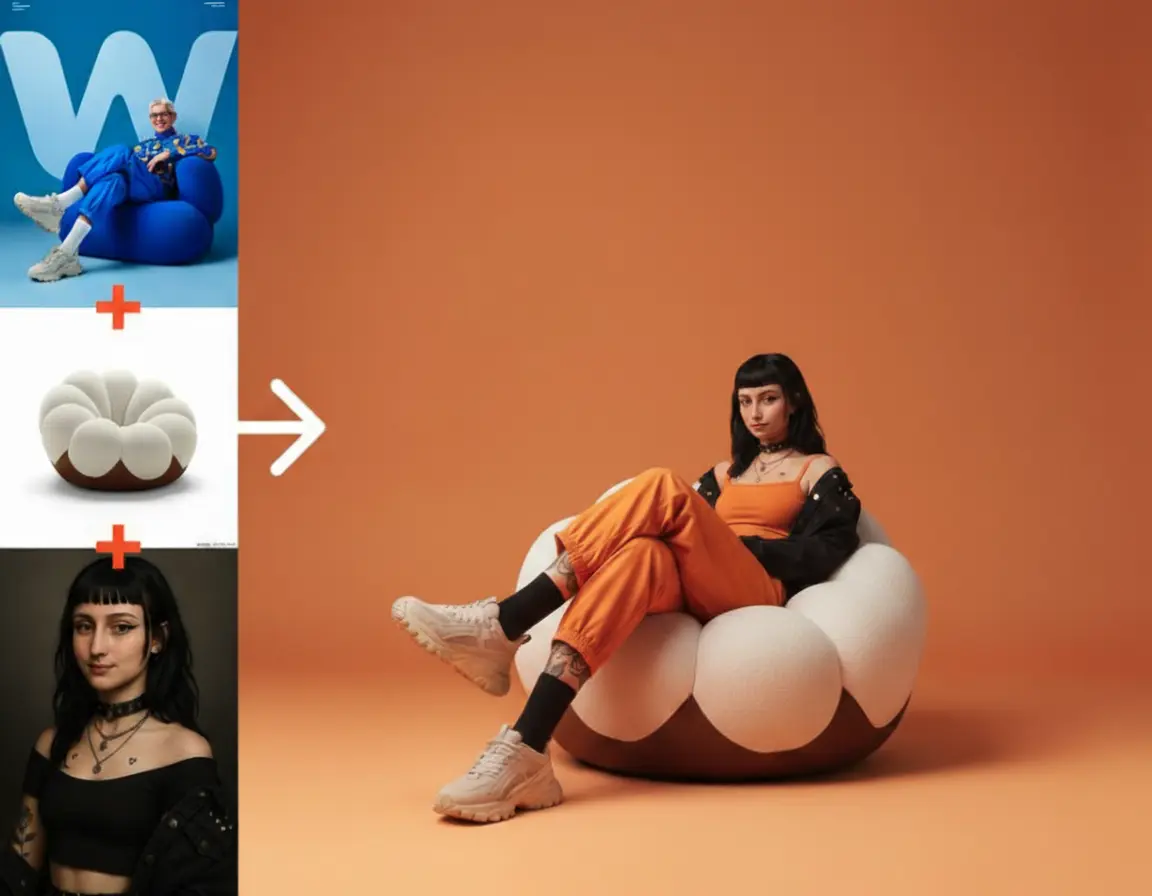
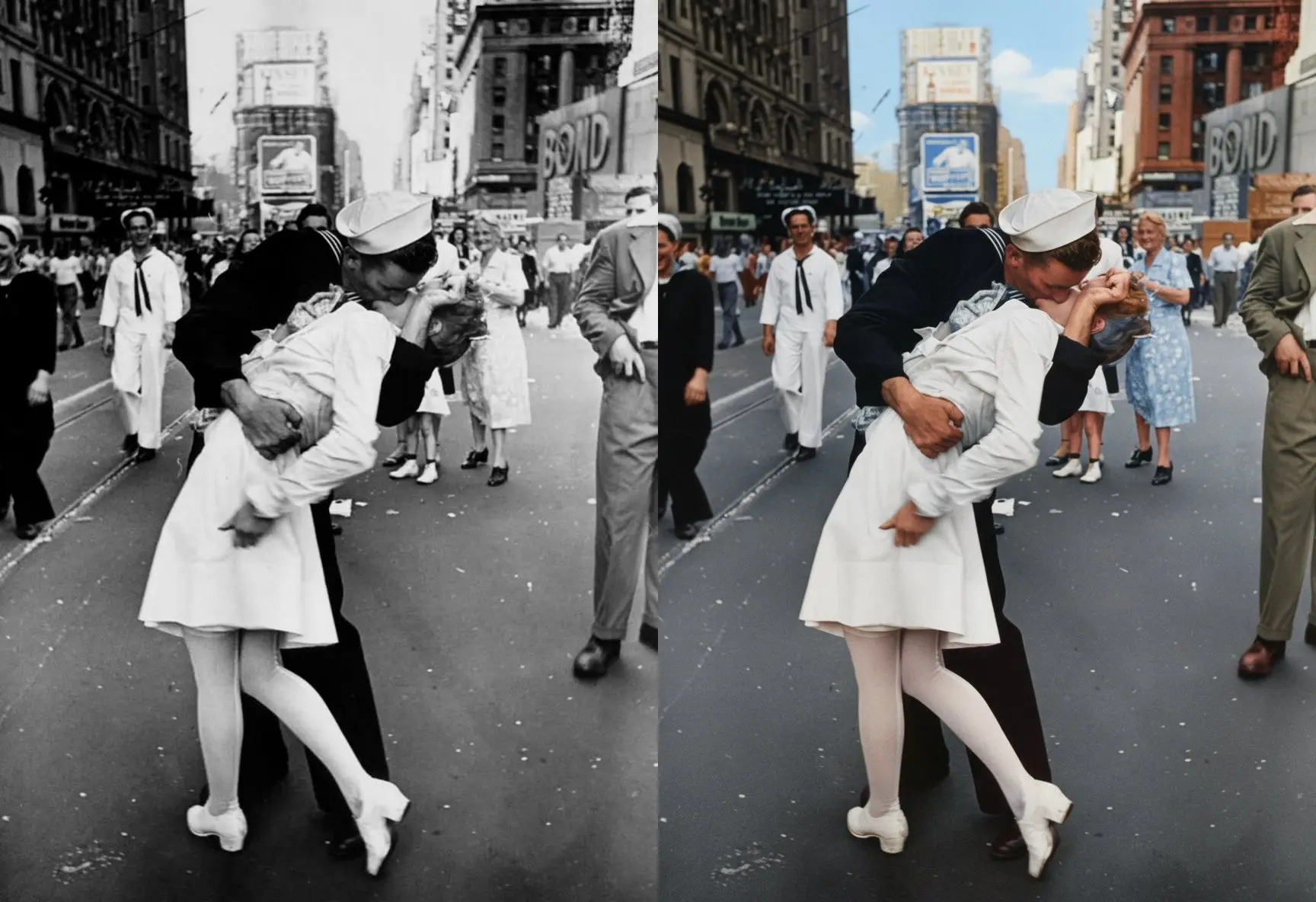
Place a product into a lifestyle scene, combine references, or merge people from separate photos into one cohesive image. Lighting, perspective, and scale stay aligned so the result feels ready for ads, product pages, and creative tests.
Character Consistency
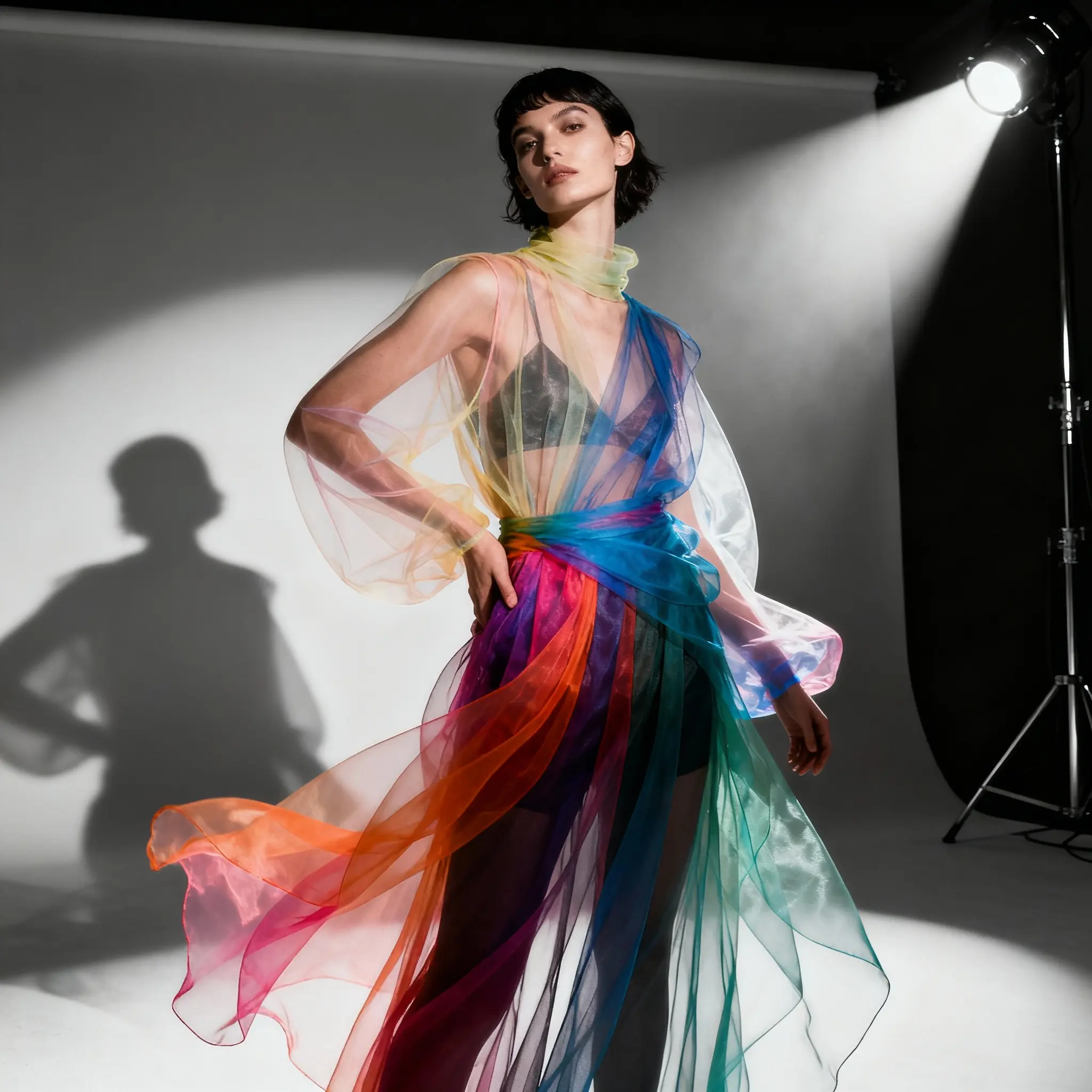
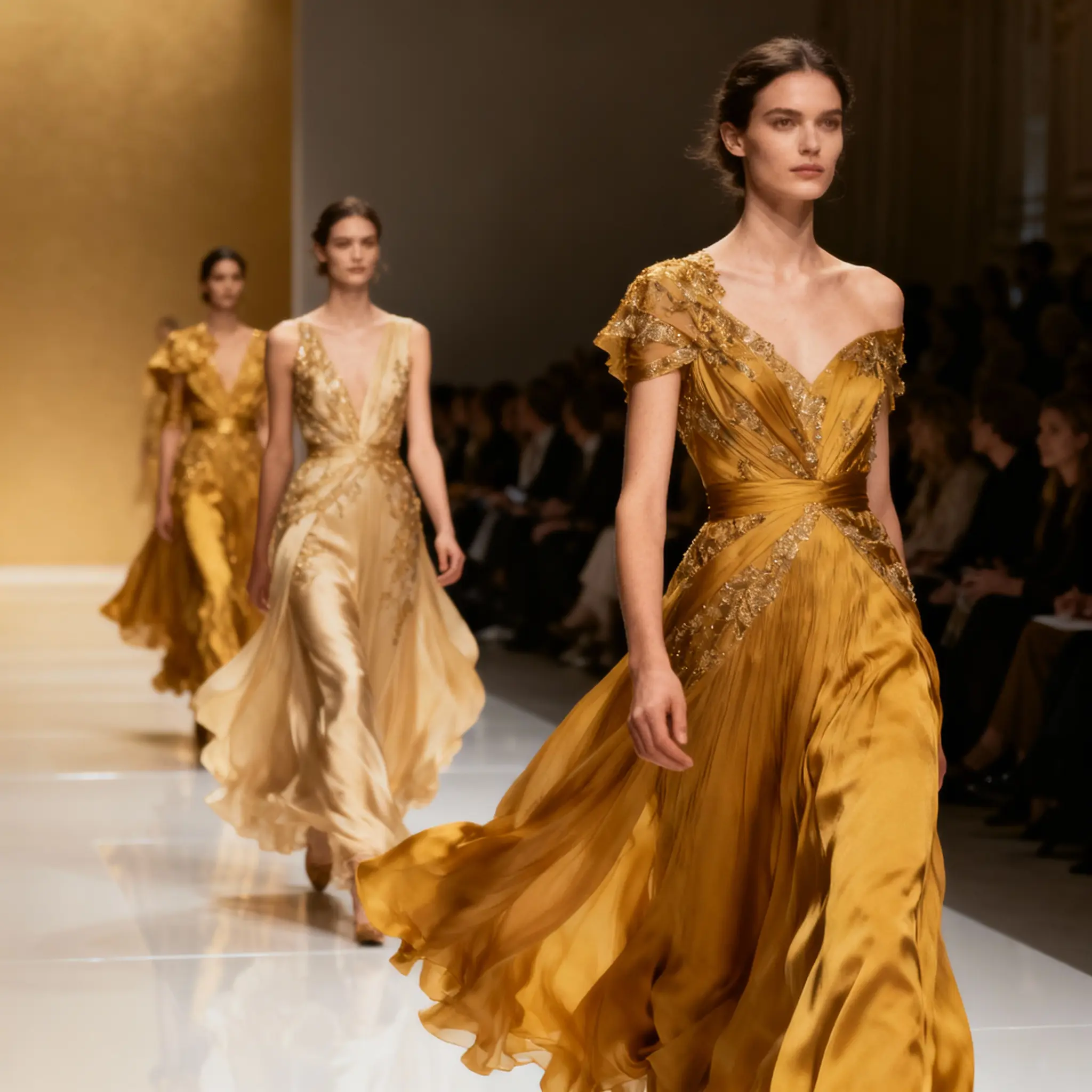
Keep the same face, outfit, and overall identity across multiple edits. This makes Nano Banana practical for brand mascots, creator avatars, storyboards, product spokespeople, and repeat campaign visuals.
Prompt-Based Editing
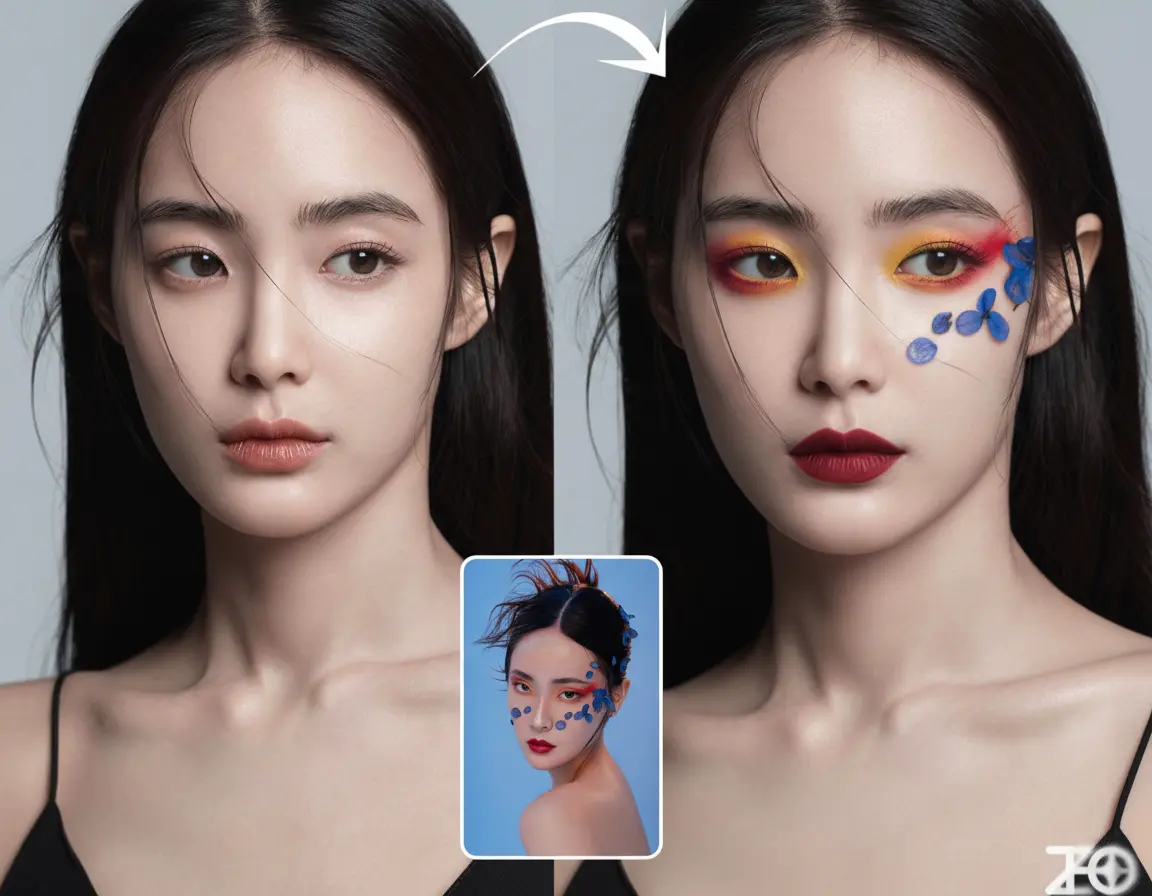
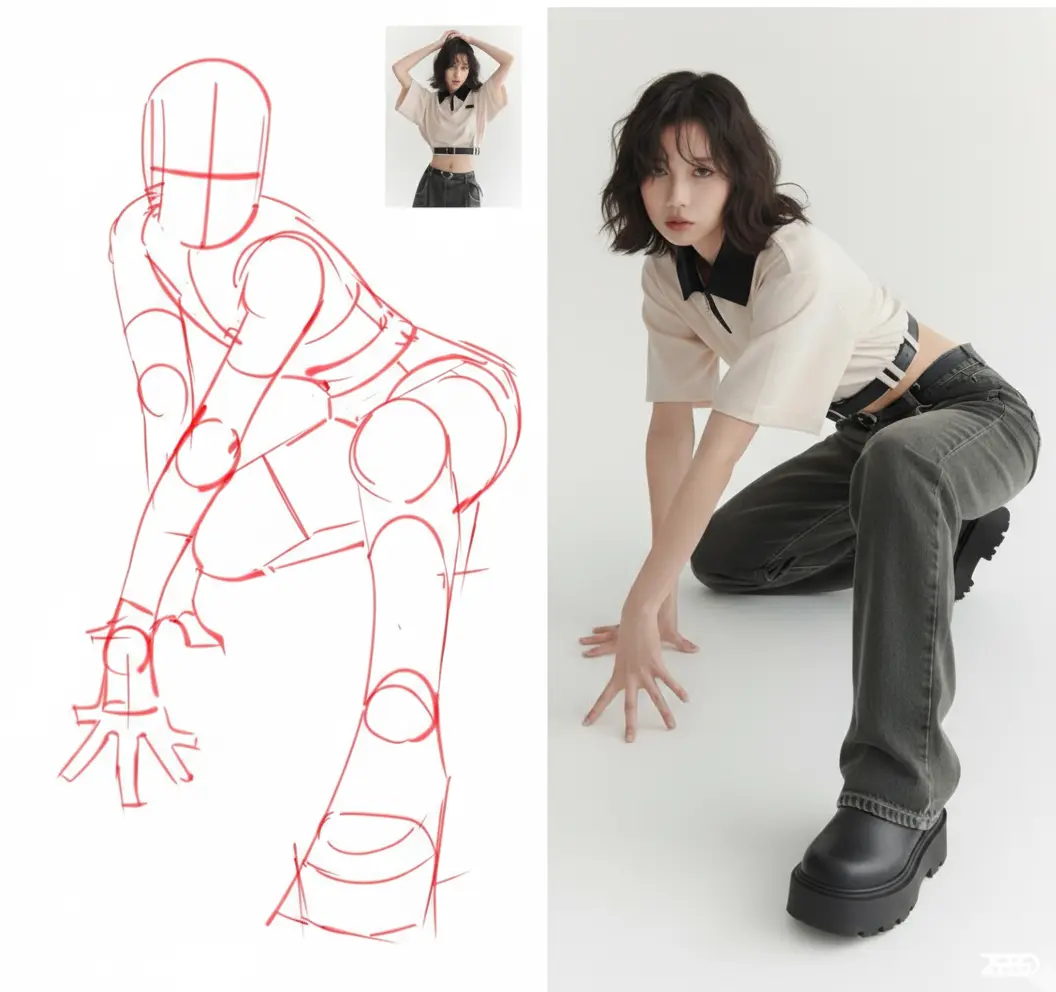
Describe the change in plain language: remove an object, change the background, adjust the lighting, or try a new outfit. The model edits the target area while preserving the parts you want to keep.
World Knowledge Understanding
Gemini's visual and cultural knowledge helps the model understand realistic places, objects, materials, and context. Your outputs feel more grounded, with fewer strange details that break trust at first glance.
SynthID Watermarking
Generated images include Google's invisible SynthID watermark. It does not affect the visible design, but it supports responsible AI use and helps identify AI-generated content when verification is needed.
Speed & Affordability
Most generations finish in 5-10 seconds, making it easy to compare options while the idea is still fresh. Low per-image cost means you can create more variations before choosing the one worth publishing.
Create Better Images in Three Steps
Use Nano Banana to move from a rough idea to a polished visual without a heavy editing workflow
Upload or Describe
Start with a text prompt, upload a photo you want to edit, or add multiple references for fusion. Use JPEG, PNG, or WebP files depending on the material you already have.
Tip: Clear source images and specific instructions usually produce the most usable first result.
Describe Your Vision
Tell the model exactly what should change and what must stay the same. You can ask for background swaps, product placement, color changes, style shifts, or identity-preserving edits.
Tip: Small, direct instructions often work best. Build toward the final image one controlled edit at a time.
Generate & Download
Review the result in seconds, download the version you like, or keep refining until the image fits the campaign, listing, post, or presentation you are preparing.
Tip: Use the low generation cost to explore more options before spending time on final polish.
Upload or Describe
Start with a text prompt, upload a photo you want to edit, or add multiple references for fusion. Use JPEG, PNG, or WebP files depending on the material you already have.
Tip: Clear source images and specific instructions usually produce the most usable first result.
Describe Your Vision
Tell the model exactly what should change and what must stay the same. You can ask for background swaps, product placement, color changes, style shifts, or identity-preserving edits.
Tip: Small, direct instructions often work best. Build toward the final image one controlled edit at a time.
Generate & Download
Review the result in seconds, download the version you like, or keep refining until the image fits the campaign, listing, post, or presentation you are preparing.
Tip: Use the low generation cost to explore more options before spending time on final polish.
What You Can Create with Nano Banana
Practical image workflows for creators, marketers, sellers, and design teams
Creative Content & Social Media
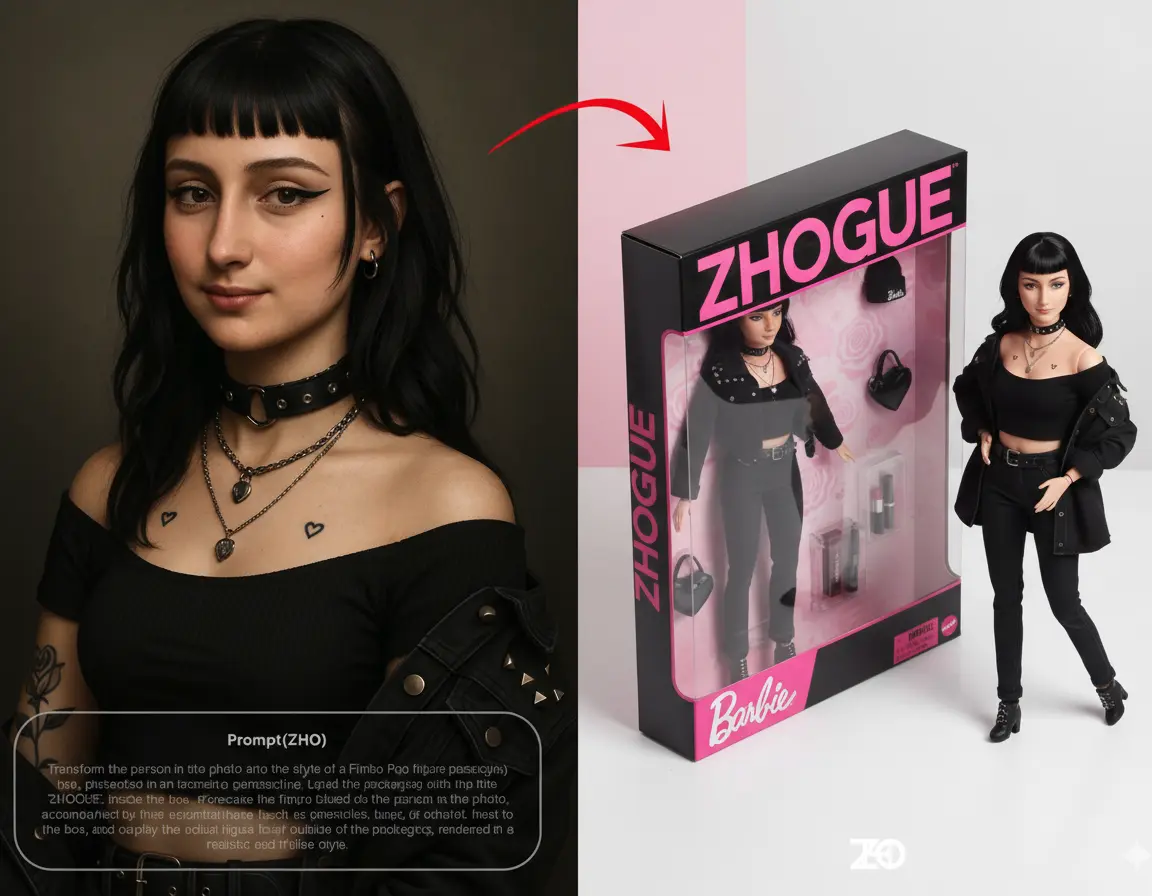
Turn everyday photos into scroll-stopping posts, profile visuals, avatar concepts, and stylized transformations. Keep recurring characters or creator personas consistent across a full content calendar. Examples: Create 3D figurine-style portraits from personal photos; Build consistent avatars for social media series; Generate concept art and visual ideas before production; Restyle images for different campaign moods
Photo Editing & Enhancement
Edit photos with direct instructions instead of manual tools. Remove distractions, change locations, test outfits, refresh lighting, or create cleaner portraits while preserving the person's identity. Examples: Remove unwanted objects or people from photos; Replace backgrounds while keeping the subject natural; Try outfits, hairstyles, and styling ideas virtually; Blend multiple shots into cleaner group images
Marketing & E-Commerce
Create product variations, seasonal visuals, and lifestyle scenes without booking a new shoot for every idea. Test angles, audiences, and offers before investing in final production. Examples: Place products in different lifestyle settings; Generate seasonal product visuals for promotions; Create A/B test images for ads and listings; Localize campaign visuals for different markets
Design, Branding & Virtual Photography
Produce mockups, brand visuals, staged interiors, and virtual photography concepts quickly. Teams can align on a direction before spending budget on shoots, freelancers, or final renders. Examples: Create consistent design mockups and catalog visuals; Virtual staging for real estate and interior design; Generate brand mascot scenes and variations; Produce storyboards with stable character identity
From real workflows
Why Creators Choose Nano Banana
Creators use Nano Banana to test more ideas, reduce manual retouching, and publish visuals that stay consistent.
Alyssa Chen
Creative Director
"We can test campaign concepts in minutes and keep the same character consistent across every variation. That used to take a designer half a day."
Marcus Reed
E-commerce Lead
"For product image variations, Nano Banana gives us polished options fast enough to actually test. It makes buying more credits easy to justify."
Priya Nair
Content Strategist
"Prompt-based edits feel natural. I describe the change, get a strong version back, and keep moving instead of waiting on another retouching pass."